Why Is Copilot Better Than ChatGPT for School Work ?
So here’s the thing: school assignments have this special way of turning your brain into soup. You start with “I just need sources,” and somehow end up with 47 tabs open and a mild existential crisis.
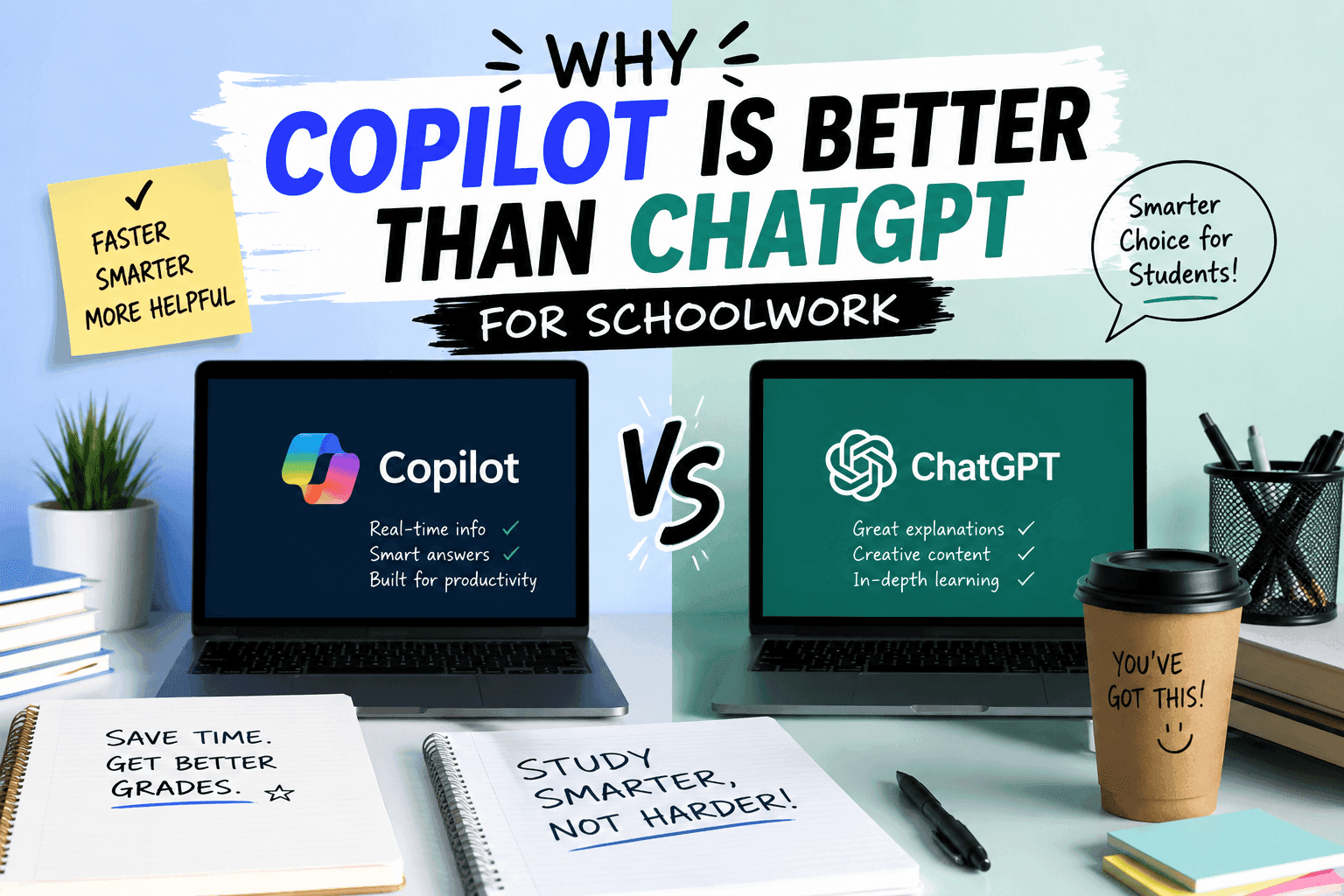
And that’s where AI tools come in. But while people love to argue about Copilot vs ChatGPT like it’s a sports rivalry, my experience has been… a little different.
When I’m doing schoolwork, Copilot usually wins for me. Not because it’s “smarter” in some magical way. More because it’s annoyingly good at the stuff I actually need while I’m in class-mode: writing drafts, pulling info from my documents, and staying inside the places where I’m already working.
Let me explain.
My problem with ChatGPT (for assignments)
I like ChatGPT. I really do. It’s great at brainstorming, rewording, and generating ideas when you’re stuck.
But school isn’t just “thinking.” School is also:
- formatting
- referencing
- editing
- working inside Word/Docs
- revising stuff without losing the original file
- collaborating (because teachers love group projects more than peace)
ChatGPT can handle the language part easily. But it doesn’t naturally live inside your school workflow. You end up doing extra steps—copy/paste, reformatting, rechecking what you already wrote, and generally playing “why did this look different when I pasted it?”
It’s not a dealbreaker. It’s just… friction. And in school, friction feels illegal.
Why Copilot feels better for school (the “stay where you work” thing)
The biggest reason Copilot works better for me for schoolwork is simple:
It’s built to be useful inside Microsoft tools.
If you’re using Word, PowerPoint, OneNote, Teams, or even working across your class documents, Copilot is basically right there with you. You’re not dragging your assignment into a different environment and hoping the formatting survives the journey.
It can help you:
1) Draft faster (without losing your structure)
Copilot tends to help me write more “in the shape” of the document I’m already building. Like, I’ll have an outline, and it helps me turn that into real paragraphs without everything becoming this random wall of text.
Does it always nail the tone on the first try? Nope. I still have to edit. I’m not outsourcing my brain completely. (Yet.)
2) Use what you already have
This is the part that makes Copilot feel more “school-friendly.”
When your assignment is tied to your class materials—notes, past writing, documents—Copilot is better at staying connected to that context. ChatGPT is powerful too, but it usually doesn’t automatically know what’s sitting in your files unless you feed it.
And feeding it is… another chore. One more “task” that magically becomes 30 tasks.
3) Collaboration feels less chaotic
Group projects are basically just chaos with deadlines.
Because Copilot sits inside the same ecosystem a lot of schools already use, it can make collaboration smoother—especially when people are editing shared docs. You’re not constantly rebuilding the document from scratch like it’s Lego time.
“But is Copilot actually better, or just more convenient?”
Good question, and honestly? For schoolwork, convenience is half the battle.
Copilot often feels “better” because it:
- reduces copy/paste pain
- keeps you in the doc you’re already using
- helps you move faster through drafting and revising
- makes it easier to reference what you’ve already worked on
That doesn’t mean ChatGPT is useless. It’s just that ChatGPT can feel more like a powerful assistant you’re bringing into your workflow, while Copilot feels like it’s living in your workflow already.
And if you’ve ever had a teacher say, “Make sure you include citations,” you know you don’t want your tools making everything harder.
Where ChatGPT still shines (because I’m not ignoring it)
To be fair (and because I like fairness more than dramatic debates), I still use ChatGPT when I need:
- brainstorming ideas for essays
- generating outlines from scratch
- explaining concepts in simpler terms
- writing alternative versions (like “make it more formal” / “make it more casual”)
- practicing for class discussions or questions
ChatGPT is awesome when you need raw output and you’re not stuck inside Word formatting hell.
But once I’m actually writing the final version, Copilot tends to be my go-to.
Quick reality check: both tools are only as good as your prompts
Here’s my not-so-secret rule: if you give an AI vague instructions, it’ll give you vague results.
So whether you’re using Copilot or ChatGPT, you’ll get better results if you say things like:
- what the assignment prompt actually says
- the grade level / expected tone
- how long it should be
- what sources (or type of sources) you need
- whether you want an outline, draft, or edit
This part is annoying because it’s “common sense,” but AI tools really do respond better when you’re specific.
(And yes, that means you should read the prompt. I know. I know. It’s not fun.)
So… which one should you use for school?
If you’re in a typical school setup using Microsoft tools and you want less mess and faster drafting, Copilot is usually the better fit for me.
If you want big-picture brainstorming, explanation, and creative restructuring, ChatGPT is still great—especially early in the process.
My personal shortcut:
- Early stage (ideas/outlines/explanations): ChatGPT
- Final stage (drafts/revisions inside docs): Copilot
Closing thought
At the end of the day, the best tool isn’t the one with the most hype—it’s the one that helps you finish without losing your mind in formatting land.
So tell me this: when you’re working on school assignments, are you mostly stuck on ideas, or are you stuck on the actual writing/editing inside your document?
Amanda Hetler
Senior Editor