ChatGPT API: How It Works, Pricing & How to Start (2026)
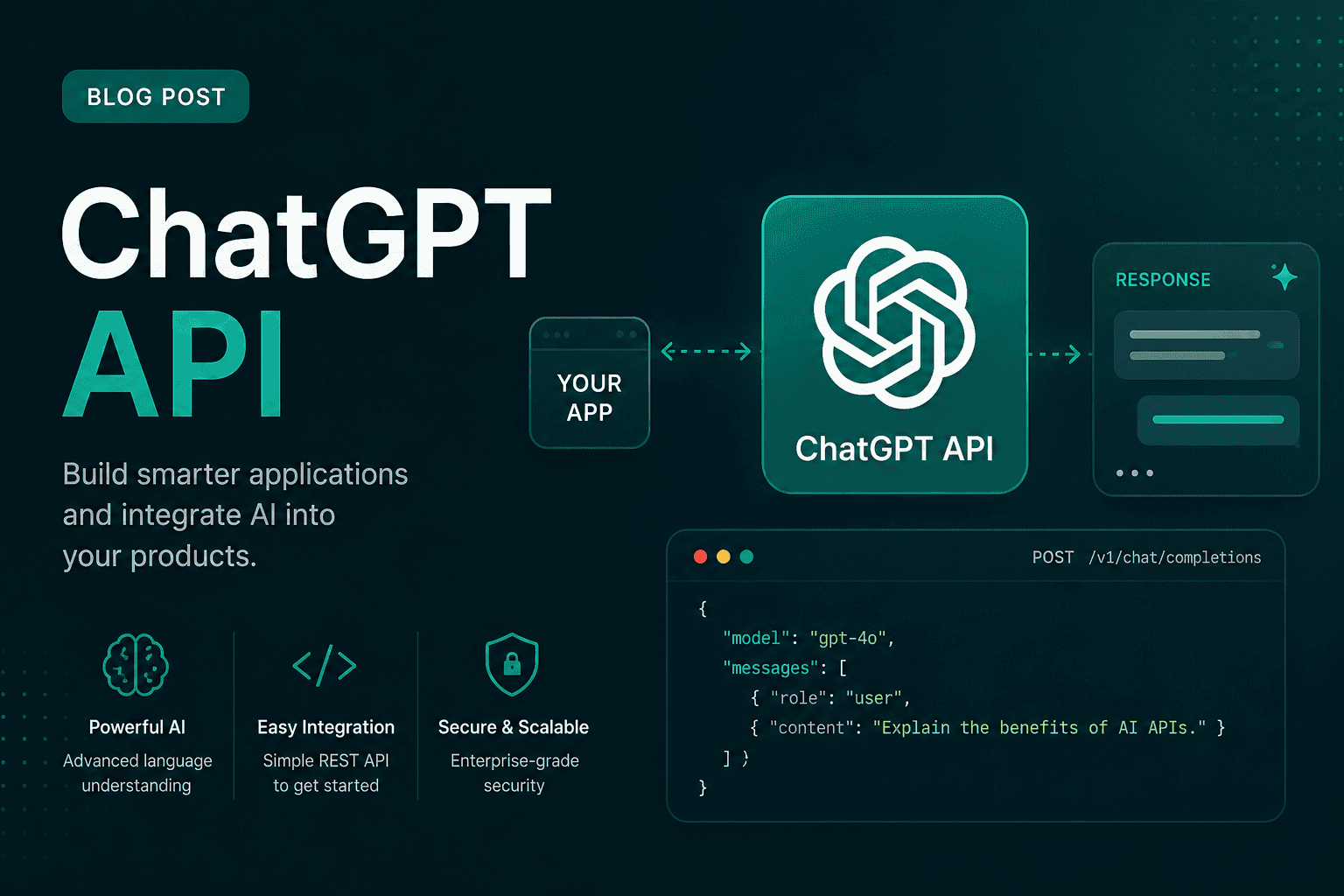
If you've ever used ChatGPT in a browser and thought "I wish I could plug this into my own app," the ChatGPT API is the thing you're actually looking for. It's the bridge between the model you already know and whatever you're building a support bot, a writing tool, an internal script that summarizes a hundred PDFs while you grab coffee.
The catch is that the ChatGPT API works a bit differently from the chat window. Different pricing, different setup, a different mental model. This guide walks through all of it in plain language, with the numbers and steps current as of mid 2026.
What is ChatGPT API
Quick bit of housekeeping first, because the naming trips people up. There's no product literally called ChatGPT API. What everyone means by that phrase is the OpenAI API, the developer interface that lets your code send a prompt to the same GPT models that power ChatGPT, and get a response back. People search "chatgpt api" because that's the name they know. OpenAI knows this too, which is why their own docs answer to both.
OpenAI first opened these endpoints to developers back in March 2023, and the lineup has grown a lot since. The core idea hasn't changed though: you send text in, you get text out, and you pay for what you use.
The API vs the ChatGPT app, why the difference matters
This is the single thing most beginners get wrong, so it's worth being blunt about it.
A ChatGPT subscription (Free, Go, Plus, Business, and so on) gets you the app — the website and mobile experience where you type and read. It's a flat monthly fee, and it includes exactly zero API access.
The API is billed completely separately. There's no free tier, no monthly subscription that unlocks it — you pay per token, and you need a payment method on file before a single request will go through. Paying $20 a month for ChatGPT Plus does nothing for your API bill, and vice versa. Two different doors, two different keys.
So if you're planning to build something programmatic — agents, automations, backend features — the API is your path. If you just want a smarter chat window for yourself, stick with the app.
How to get started (the API key part)
You don't need a computer science degree for this. The setup is genuinely quick.
- Go to platform.openai.com and sign in. This is the developer platform, which is separate from chatgpt.com even though you can use the same login.
- Add a payment method. Head to the Billing page and add a card. This step is non-negotiable without credits on file, your requests come back with an error every time. While you're there, set a monthly spending cap so a runaway loop can't surprise you.
- Create a key. In the left sidebar, click API keys, then Create new secret key. Give it a descriptive name like "dev-testing" so you can tell your keys apart later.
- Copy it right away. Your key starts with
sk-and OpenAI shows it to you exactly once. If you lose it, you don't recover it, you just revoke it and make a new one.
A word of caution that I can't repeat enough: treat that key like a password to your bank. Never paste it into front-end code, never commit it to a public repo. Store it as an environment variable (OPENAI_API_KEY) and read it from there. People who hardcode keys into GitHub have woken up to four-figure bills from bots that scrape for exactly that.
Your first API call
Here's the smallest useful example, using OpenAI's official Python library. It uses the Responses API, which is OpenAI's current recommended way to send requests:
from openai import OpenAI

client = OpenAI()  # reads OPENAI_API_KEY from your environment

response = client.responses.create(
    model="gpt-5.4-nano",
    input="Write one sentence explaining what an API is."
)

print(response.output_text)
If you'd rather test without writing any code, you can fire off a curl request straight from your terminal:
curl https://api.openai.com/v1/chat/completions \
  -H "Content-Type: application/json" \
  -H "Authorization: Bearer $OPENAI_API_KEY" \
  -d '{
    "model": "gpt-5.4-nano",
    "messages": [{"role": "user", "content": "Say the API is working."}]
  }'
That second example uses the older Chat Completions API. It's still fully supported and isn't going anywhere, so you'll see it in plenty of tutorials and older codebases. For brand-new projects, the Responses API is the one OpenAI points you toward.
The current models (and which one to pick)
OpenAI's catalog can feel overwhelming because there are a lot of models, and the names keep climbing. As of mid-2026, here's the shape of it.
The GPT-5.5 family is the frontier. GPT-5.5 is the flagship best at hard reasoning, coding, and creative work with GPT-5.5 Pro sitting above it for research-grade problems. Both carry a 1 million token context window, which is enough to feed in a small book.
The GPT-5.4 family is what most people should reach for day to day. GPT-5.4 is a strong, sensible production workhorse. Below it, GPT-5.4 Mini and GPT-5.4 Nano trade some capability for a much lower price, and for routine tasks you honestly can't tell the difference.
There are also reasoning-focused models (the o-series, like o4-mini) tuned for step-by-step logic, and embedding models like text-embedding-3-small for search and retrieval workloads.
My advice if you're starting out: don't reach for the flagship by reflex. Begin with Nano or Mini. They're cheap enough to experiment freely, fast, and capable enough for the vast majority of what a beginner builds. Move up only when you hit a wall the small model genuinely can't clear.
What the ChatGPT API costs
Pricing is per token. A token is roughly four characters, so about three-quarters of a word. Every call bills you twice: once for the input (your prompt) and once for the output (the model's reply). Output tokens almost always cost more than input — often four to eight times more, so a chatty model that loves long answers will cost you more than the input alone suggests.
Here's a rough snapshot of per-million-token rates from mid-2026 (input / output):
- GPT-5.5 = around $5 / $30
- GPT-5.5 Pro = around $30 / $180
- GPT-5.4 = around $2.50 / $15
- GPT-5.4 Mini = around $0.75 / $4.50
- GPT-5.4 Nano = around $0.20 / $1.25
To put that in human terms: processing a short paragraph through Nano costs a fraction of a cent. The model choice is the single biggest lever on your bill the gap between Nano and the flagship can turn a $1,200-a-month workload into a $100 one if the task doesn't actually need frontier level brains.
Two more cost levers worth knowing:
- Prompt caching. If you send the same chunk of input repeatedly (a long system prompt, say), the cached portion can bill at as little as 10% of the normal rate. This adds up fast in production.
- The Batch API. For work that isn't time-sensitive — bulk processing, overnight pipelines — you can submit jobs that complete within 24 hours for a flat 50% discount on both input and output.
Prices do shift, sometimes more than once a quarter, so always confirm the live numbers on OpenAI's official pricing page before you build a budget around them.
What people actually build with it
The honest answer is "almost anything text-shaped," but the common patterns are:
- Customer support bots that answer FAQs and triage tickets before a human ever sees them.
- Content tools summarizers, rewriters, first-draft generators wired into a CMS.
- Internal automation — turning messy data into clean reports, tagging and classifying documents at scale, drafting emails.
- Search and RAG systems that combine embeddings with the chat models so the AI answers from your documents instead of guessing.
Common errors when your first call fails
Almost every first-timer hits one of these. None are serious.
- 401, invalid authentication = your key is wrong, revoked, or picked up a stray space when you copied it. Regenerate and paste it cleanly.
- 429, insufficient_quota = the account has no credits. This is behind most "my new key doesn't work" complaints. Add a payment method, prepay a little, retry.
- 429, rate_limit_exceeded = you're sending requests faster than your tier allows. Add retries with exponential backoff, or move up a usage tier by spending a bit more over time.
- model_not_found = the model isn't available to your account yet, usually because billing isn't set up or you need a higher tier.
Frequently asked questions
Is the ChatGPT API free? The key is free to create, but using it isn't. You pay per token and need a payment method on file. New accounts have occasionally received a small trial credit, but don't count on it. check your billing page after signing up.
Is the ChatGPT API the same as ChatGPT Plus? No. Plus is a subscription for the chat app. The API is pay-per-token and billed separately. One does not include the other.
Which model should a beginner use? Start with GPT-5.4 Nano or Mini. They're cheap, fast and handle most tasks fine. Upgrade only when you genuinely need more.
How many tokens is a typical message? Roughly one to two tokens per word. A short paragraph is a small fraction of a cent on the budget models.
Can I use the API without coding?
You can test it with a single curl command in your terminal, and there are no-code tools that wrap it. But to build anything real, you'll want at least a little Python or JavaScript.
Where to go next
The ChatGPT API isn't complicated once the pieces click into place: grab a key, add billing, pick a small model, send your first request, and grow from there. The biggest mistakes people make aren't technical — they're reaching for the most expensive model out of habit and leaving their key somewhere unsafe. Avoid those two and you're most of the way there.
When you're ready to go deeper, OpenAI's own documentation is the source of truth for every endpoint, parameter and current price. Bookmark it, because in this space the details move quickly.
Amanda Hetler
Senior Editor