ChatGPT vs Meta AI: Which One Should You Use?
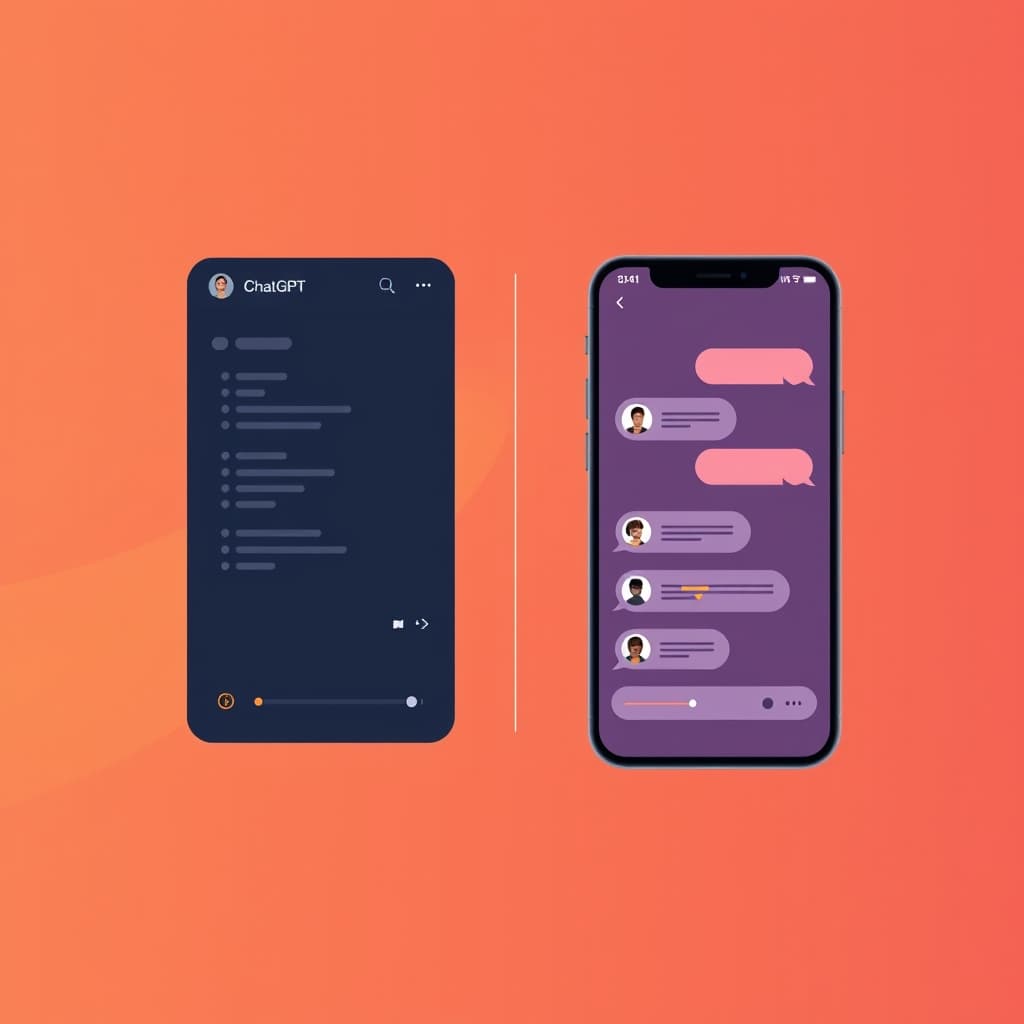
You’ll see “ChatGPT vs Meta AI” everywhere, but the real question is simpler: which one fits what you actually do day to day?
This guide compares ChatGPT vs Meta AI across reasoning, coding, creative output, pricing, and practical privacy considerations—then helps you pick the right tool for your work, your phone, and your next prompt.
What “ChatGPT vs Meta AI” really means
Both are chat assistants, but they’re optimized for different jobs.
- ChatGPT (OpenAI) is built to handle harder requests: complex reasoning, data-style analysis, coding help, and research-quality writing. Paid plans also tend to unlock bigger limits and more “workflow” features.
- Meta AI (Meta) is built to live inside Meta apps like Instagram, WhatsApp, and Messenger. It prioritizes fast, social-friendly chats and personalized responses based on your Meta activity—often with a stronger emphasis on “just works” convenience.
So the trade-off usually isn’t “which is smarter?” It’s “which environment are you using most, and how demanding are your prompts?”
Side-by-side: where ChatGPT beats Meta AI (and vice versa)
Here’s the comparison that matters for everyday decisions.
Reasoning and “hard problem” help
ChatGPT is the better bet when you need multi-step thinking, careful explanations, or help that doesn’t crumble when the task gets messy.
You’ll usually notice this when:
- You ask for trade-offs (“Which option is best and why?”)
- You request step-by-step plans
- You want the model to check assumptions and refine outputs
Meta AI can still be useful for reasoning, but it’s generally optimized for quick conversational utility rather than deep, structured problem solving.
Coding and technical workflows
For coding tasks—debugging, writing functions, explaining errors, generating project scaffolding—ChatGPT is typically the more capable all-round assistant.
If you do any of the following, you’ll probably prefer ChatGPT:
- Turning requirements into code
- Generating tests and edge-case handling
- Refactoring with clear reasoning
- Building small tools or automations from scratch
Meta AI may help for simpler coding questions, but you’ll often get better results from ChatGPT when the request becomes technical, long, or constraint-heavy.
Image generation quality and “first try” success
Both can generate images, but they tend to behave differently.
- ChatGPT is often more consistent when you want a specific visual style and realistic outcomes.
- Meta AI can be great for quick creative exploration inside Meta apps, especially when you’re aiming for something fast and social.
If you care about producing an image you’re ready to use—logo-ish mockups, product-style visuals, or realism—start with ChatGPT and be ready to iterate.
(Real-world note: the exact image model and limits can change over time, so always test with your own prompt.)
Video and multimodal output
For video creation specifically, you may find that ChatGPT’s ecosystem supports more robust workflows (depending on plan and availability). Meta AI may offer video/image features too, but the strongest “producer workflow” tends to be ChatGPT-centric.
If video is part of your plan, your best move is to test both with the same storyboard prompt and see which one gives you controllable results.
Personalization: convenience vs control
This is the biggest “feel” difference.
Meta AI uses context from your Meta activity to make answers feel more tailored. That can be great when you want the assistant to “know what’s going on in your social life” (or at least match your interests).
But if you prefer tighter control—minimal tracking, fewer cross-app linkages, or you’re writing something sensitive—ChatGPT often feels safer because it’s not as tightly embedded in a single social ecosystem.
Important: Always review the privacy and settings for whichever app you choose, and avoid sharing sensitive details in any AI chat unless you’re comfortable with the platform’s policies.
Pricing and limits: free vs paid value
In practice:
- Meta AI is designed to be free and “always available” inside Meta apps.
- ChatGPT has a free tier, but paid plans typically unlock higher limits and more advanced capabilities.
You’ll see trade-offs like:
- More image/video credits or higher generation limits
- Larger context windows (meaning you can paste more material)
- More capable models for harder tasks
- Better workflow tools
If you’re a heavy user, paid ChatGPT often becomes worth it. If you’re casual and primarily want quick social content, Meta AI’s free access can be enough.
Worked example: same goal, different prompts
Let’s compare how you’d use each assistant for the same task:
Goal: Write a 30-day marketing plan for a new Etsy shop selling handmade candles. Include weekly content ideas, an email newsletter schedule, and a simple KPI tracker.
Prompt you can use (works for both)
Copy/paste this prompt:
You are my marketing strategist. I sell handmade candles on Etsy. Create a 30-day plan with: (1) weekly themes, (2) 4 content posts per week (mix of product + education), (3) an email schedule with subject line ideas, and (4) a KPI tracker table with targets for views, visits, conversion rate, and email signups. Ask up to 5 clarifying questions first. If I don’t answer, make reasonable assumptions.
What to expect from ChatGPT
With ChatGPT, you’ll usually get:
- A structured plan with clear sections
- Better KPI table formatting
- More thoughtful assumptions if you don’t answer
- Stronger “follow-up prompts” like “adjust for a $200/month budget”
Then you can iterate quickly:
Based on the plan above, now rewrite the email subjects for a colder audience segment (winter scents). Keep it under 55 characters per subject.
What to expect from Meta AI
Meta AI may respond with a solid plan too, but you’ll often find the output:
- More conversational in tone
- Sometimes less detail on the KPI tracker unless you explicitly request a table
- Better when you refine toward short-form social posts
If your priority is fast social content ideas, you can push it like this:
Turn this into Instagram captions: 10 hooks (under 90 characters) + caption body under 150 words each. Include 3 CTA options.
That kind of request often plays to Meta AI’s strengths.
Choosing the right one: quick decision guide
Use this checklist to decide without overthinking.
Choose ChatGPT if you need…
- Coding help (debugging, generating functions, building tools)
- Research-style writing (structured, detailed explanations)
- Data-style analysis (turning messy notes into a coherent output)
- Higher output control (specific image prompts, iterative refinement)
- Long context (pasting more material before asking for a solution)
If you’re building work that has to be accurate and reusable, ChatGPT usually gives you a cleaner workflow.
Choose Meta AI if you need…
- Fast chat inside Instagram/WhatsApp/Messenger
- Quick creative sparks for social posts
- Personalized responses based on what you already do in Meta apps
- A free option that’s “always on” where your audience already is
Meta AI is often the better pick for “while I’m scrolling, I want ideas now.”
A practical hybrid approach (works for many people)
Many users end up doing:
- Meta AI for quick social brainstorming and lightweight captions
- ChatGPT for the heavy lifting: scripts, drafts, brand voice consistency, and any technical tasks
If you run a small business, this combo can save time without sacrificing quality.
Commercial use, IP, and content rights (what to double-check)
You should always verify policies inside each platform, but here’s how to think about it.
- Paid ChatGPT tiers often include commercial rights language for generated content (exact terms vary by plan and policy updates).
- Meta AI’s restrictions can be more limited depending on feature and use case.
If you’re creating content for clients, ads, or monetized channels, don’t rely on assumptions—check the current terms in the app settings or help pages.
For ownership and related questions about ChatGPT, see:
Performance tips: get better results from either assistant
No matter which you use, prompt design changes everything.
Use constraints that match the output you want
Instead of:
- “Write a marketing plan.”
Try:
- “Make it a 30-day plan with weekly themes, KPIs, and a table. Keep the writing under 1,000 words.”
Ask for a table when you need structure
If you want numbers, insert a table request:
- “Return KPIs in a Markdown table with columns for metric, target, and weekly check-in.”
Force iteration
A single prompt is rarely enough. Build a loop:
- Ask for a draft
- Ask for critique (“What’s weak and why?”)
- Ask for revision with constraints
For image generation: specify realism vs style
Example:
- “Photoreal product shot, soft studio lighting, 50mm lens look, neutral background.”
And add negatives when possible:
- “No extra text, no watermark, no cropped edges.”
If you care about generation limits, also read:
Where to start today (based on what you do most)
If you want an easy starting point:
- You mostly chat and create short social content → start with Meta AI.
- You write longer posts, need reliable planning, debugging, or structured output → start with ChatGPT.
- You want the best of both → keep both open and route tasks by difficulty.
And if you decide you want to upgrade ChatGPT, the practical next step is making sure the plan matches your usage:
External references (policies + model info)
For official background on model families and capabilities, you can check:
- OpenAI API documentation: https://platform.openai.com/docs
- Meta’s AI research and model releases (overview): https://ai.meta.com/
(Feature availability and pricing can change, so treat these as starting points, not a final contract.)
FAQ
Is ChatGPT better than Meta AI?
It depends on the task. ChatGPT usually wins for complex reasoning, coding, structured writing, and high-control creative prompts. Meta AI often wins for fast, convenient chat and social-first content inside Meta apps.
Can Meta AI replace ChatGPT for work?
For lightweight tasks and brainstorming, Meta AI can cover a lot. For anything technical, research-heavy, or that needs careful structure, ChatGPT is typically the better choice.
Which one is better for image generation?
ChatGPT is often more consistent when you want a specific outcome (especially realism). Meta AI can still produce great quick results—especially for social-friendly concepts—but you may need more iteration.
Is Meta AI free?
Meta AI is generally offered free within Meta apps, with capabilities that may vary by region and feature rollout. ChatGPT also has a free tier, but paid plans typically expand limits and advanced features.
Which is better for privacy?
No assistant should be treated as “private by default.” If you want to reduce cross-app personalization, ChatGPT can feel less tied to a social ecosystem than Meta AI. Review in-app privacy and settings before using either for sensitive topics.
How should I use both together?
Use Meta AI for quick social drafts, captions, and on-the-spot ideas. Use ChatGPT for the parts that need depth: outlines, scripts, technical help, KPIs, and polished final drafts.
Amanda Hetler
Senior Editor